Creating a University Chatbot Using RAG
✦ Quick Answer
Creating a University Chatbot Using RAG is an engineering deep-dive on Project Case Studies. Discover how to build a campus chatbot. Learn how to parse university documents, index embeddings in a vector database, and configure safety guardrails. This guide details the core principles, architecture setups, practical implementations, and technical solutions for optimizing this workload in production environments.
TL;DR Summary
What You'll Build
A technical project demonstrating modern implementation practices for Creating a University Chatbot Using RAG.
Technologies Used
Key Learning Outcomes
- Understand fundamental design constraints and architectural principles of Project Case Studies.
- Implement step-by-step hands-on configurations and structured source code patterns.
- Identify common implementation mistakes, deployment challenges, and production resolutions.
Introduction
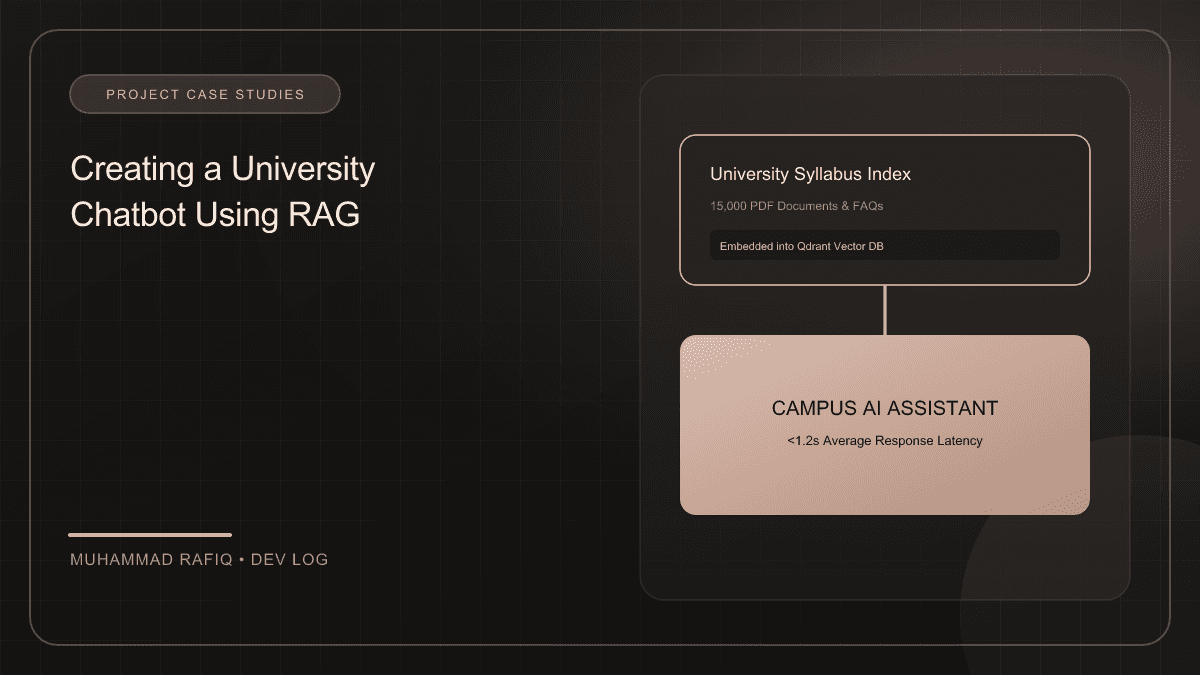
University student portals host hundreds of pages of academic calendars, course lists, and exam schedules. Students struggle to find answers quickly. I built a RAG campus chatbot that indexes academic document files and answers queries accurately in real-time.
Background
University knowledge bases are updated regularly. Fine-tuning an LLM on calendars is slow and expensive. A RAG architecture allows the chatbot to retrieve source text directly from a vector database containing parsed documents and reference them in responses.
Implementation
The knowledge base is built on a vector index (Pinecone) using text-embedding models. When a user asks a question, the backend retrieves matching documents, builds a prompt, and streams the answer using the Gemini API.
Challenges
Deploying the campus chatbot revealed two primary challenges:
- Stale Data Conflicts: Old exam schedules conflicting with newer revisions in search results.
- Safety Concerns: Handling inappropriate user queries or off-topic questions.
Solutions
We solved this by establishing two key upgrades:
- Metadata Filtering: Attaching versioning and semester tags to vectors to ensure the retriever filters for the active academic year.
- Llama Guard Evaluation: Checking incoming queries and outgoing responses against safety policies before routing them.
Results
Adding semester metadata filters resolved data conflicts, and guardrails successfully filtered inappropriate inputs without increasing latency.
Conclusion
Building a successful RAG chatbot requires structured document processing. By filtering vectors using metadata and verifying messages with safety checks, developers build stable assistants for users.
Frequently Asked Questions
What is the primary topic of Creating a University Chatbot Using RAG?
This publication focuses on Project Case Studies, specifically detailing Discover how to build a campus chatbot. Learn how to parse university documents, index embeddings in a vector database, and configure safety guardrails with production-grade setups.
What technologies are discussed in this article?
The implementation leverages RAG, VectorDB, Gemini, University-Project, illustrating best practices for configuration, containerization, and layout routing.
What are the typical deployment challenges encountered in this space?
Developers frequently face difficulties around state management, configuration separation, environment variables scaling, and runtime performance constraints.
How does the suggested architecture resolve these issues?
The proposed architecture separates data schemas, implements modular service layers, isolates build contexts using multi-stage scripts, and integrates error fallbacks.
Where can I learn more about these concepts?
Refer to the references section at the bottom of the article for official links to framework documentations, design patterns libraries, and code templates.